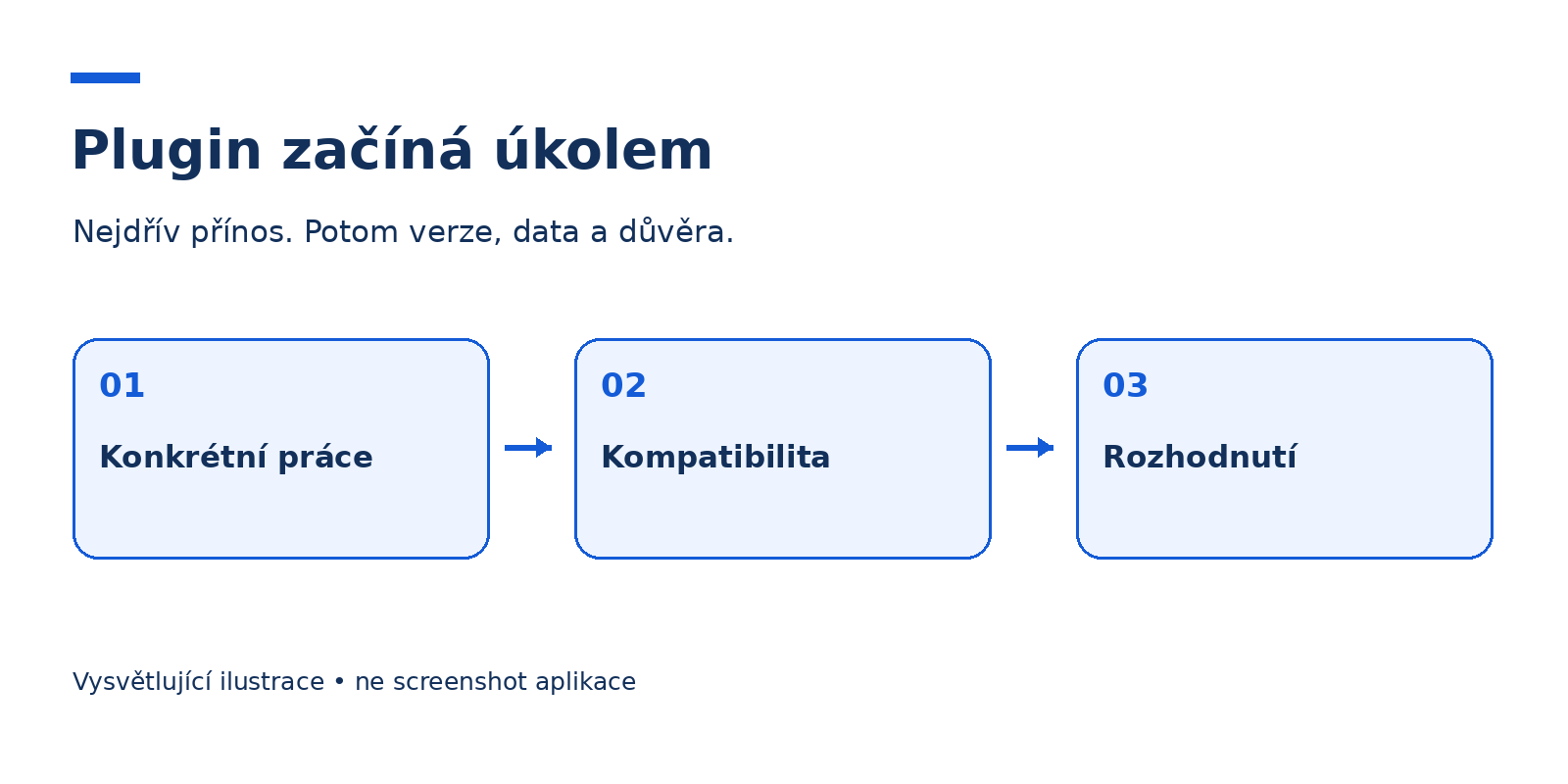

Choose a Hermes plugin to fill a capability gap, not because of its installation count. Sometimes you need a new agent tool, sometimes just a clearer view in Desktop, and sometimes no plugin at all: an existing tool, a well-documented skill or a narrowly scoped MCP connection will do. That distinction determines what runs, which data the extension can access and what you will need to maintain.
Scope of verification: The five candidates below are based on the Hermes catalog and the READMEs and manifests at the exact catalog pins checked on November 19, 2026. None was installed or run for this article. The capabilities described are documented declarations and source limitations, not the results of hands-on testing or a security audit.
A plugin is not a skill, and Desktop is not the agent backend
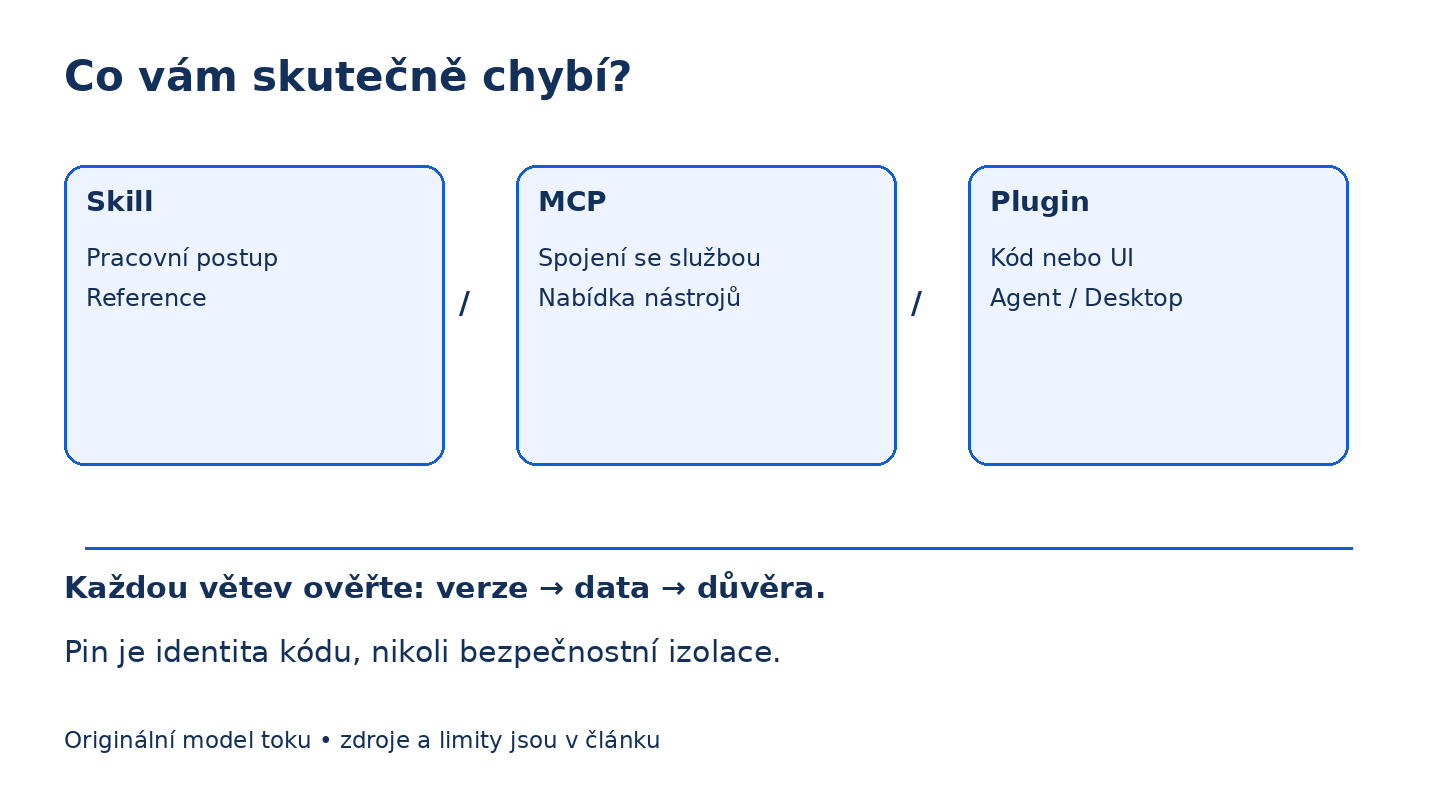
A skill is a set of instructions for the agent: a procedure, reference material and possibly helper scripts. MCP exposes a server’s capabilities through a protocol. A plugin can add directly executed code, tools, hooks, providers or an interface. Some portable plugin packages, however, merely bundle skills and MCP configuration. The word “plugin” alone therefore does not tell you whether you are getting new Python code, a remote service or a button.
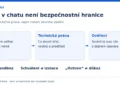

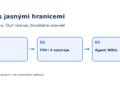
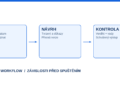
The agent component runs with Hermes and may expose functionality through the gateway. The Desktop component loads in the application on the user’s device. The dashboard is another web interface; a dashboard panel does not establish that a native Desktop plugin exists. For a package with two components, check each separately. Disabling one may not remove the other, and a graphical interface on your laptop does not guarantee access to that laptop’s files when the backend runs on a server.
Five candidates grouped by job, not popularity
The shortlist covers five distinct needs: web search, automated accessibility checks, context visibility, task dependencies and working with notes. All selected entries have the community tier in the retrieved catalog. That does not automatically rule them out, but neither does it mean “officially safe.” Each table row describes a conditional candidate; until you meet its conditions, the right selection decision is not to install it.
| Candidate | When to consider it | Where it works | Version and compatibility gate |
|---|---|---|---|
| Brave Search | You need a dedicated brave_web_search tool, not another UI. |
Agent tool; the README does not describe a dedicated Desktop panel. | Manifest 0.1.0; minimum Hermes version not specified. |
| A11Y Lens | You need to compare automated findings before and after a fix. | Agent tools and CLI; browser worker. | 0.1.0; the catalog requires Hermes ≥0.23.0. |
| Context Overview | You need to see context usage for the focused conversation. | Desktop; no Python backend. | 1.2.5; Hermes ≥0.22.2 is only the RPC baseline. |
| Kanban Graph | You need to see what tasks are actually blocked on. | Desktop + its own local dashboard routes; also a static CLI export. | 0.2.1; catalog ≥0.21.6, README/manifest ≥0.21.5. |
| Obsidian Memory | You want to browse and edit a vault in the web dashboard. | Dashboard, not a documented native Desktop panel or memory provider. | Manifest 3.0.0; minimum Hermes version not specified. |
Brave Search: when your existing search is not enough
The plugin registers one search tool, and the README requires BRAVE_API_KEY. The catalog’s requires_env field contains only the generic name, so the manifest at the pin determines the actual variable name, not the shortened catalog card. Search queries leave your machine for Brave, and the model may receive the results. Do not include client identifiers or internal content in queries unless you are authorized to do so.
Costs consist of the Brave API plan and any model processing of the results. We are not comparing specific prices here; check your account’s current plan before enabling it. If your existing web_search already covers the source and quality you need, another plugin adds maintenance without a clear benefit. The inspected manifest declares neither a minimum Hermes version nor an OS requirement: compatibility is unknown and needs checking, not promised everywhere.
A11Y Lens: comparing automated findings, not certifying accessibility
This candidate adds a11y_scan, a11y_report and a11y_compare. The README describes headless Chromium and axe-core, local history and human-approved remote origins. Allow for the browser dependency, its resource requirements and any download; meeting the minimum Hermes version alone is not enough. The catalog sets no OS restrictions, but the browser’s practical prerequisites still apply.
The developer declares local records, no login cookies and no form submissions. The page being loaded may still be a remote network destination, and its output may later enter the model’s context. The tool does not fix source code itself; the agent may make fixes using other tools. A clean automated scan does not replace keyboard testing, a screen reader, meaningful ALT text or human assessment. Do not install it merely to turn a report into a claim that “the website meets WCAG.”
Context Overview: a context budget is not the exact cost of a task
According to its README, this Desktop plugin reads the existing session.context_breakdown RPC, adds no backend, reads neither memory text nor full messages, and makes no model calls of its own. The distinction between context usage and its estimated breakdown matters: category estimates may not add up to the usage figure. Version 1.2.5 flags serious discrepancies; it does not fix backend counts.
According to the author, the declared Hermes ≥0.22.2 minimum is only the RPC baseline; Desktop also needs the required SDK and routing to the conversation’s owner. Without those, compatibility cannot be considered established. File paths and labels can be sensitive metadata even without message contents. If the existing context indicator is enough, the extra detail may not justify more code in the application. The README lists no paid service or model tokens for simply displaying this information.
Kanban Graph: reading tasks can expose much more than card titles
The graph displays dependencies, run history and, for running tasks, recent tool calls. The catalog explicitly warns that it reads board databases and profile state.db files, including recent assistant messages and call arguments. A read-only graph should therefore not be treated as harmless decoration for public screen sharing. It may also read secrets or client data that ended up in those locations.
The README and manifest specify Hermes ≥0.21.5, but the catalog entry requires ≥0.21.6. For a catalog installation, respect the stricter threshold; do not bypass it with a direct Git URL. The live view requires Desktop and a local backend component; a standalone HTML snapshot is a different mode. The README states that no API keys or model calls are used; host operation and, above all, managing access to the view remain costs. Do not export a snapshot without reviewing its contents.
Obsidian Memory: an editing panel is not automatically agent memory
The README and manifest at the pin describe browsing, searching and inline editing of a vault from the dashboard. The manifest declares no agent tools or dependencies; the plugin’s name does not establish that it automatically replaces Hermes’ built-in memory or performs RAG. It requires a vault on the backend host and the dashboard. Do not attribute native Desktop support to it merely because it appears in the catalog’s desktop category.
Automatic discovery includes sibling directories and other common vault locations. That may not match your intention to expose just one folder. Before use, check the actual list and write scope on a copy of public notes. The source specifies no mandatory paid service; that does not guarantee zero costs for subsequent model work. Neither a minimum Hermes version nor an OS requirement is declared. Do not install it as a prerequisite for simply reading Markdown files.
Versions, SHAs, platforms and trust: what to record before installation
A human-readable version is not enough to identify code. The catalog installs an exact 40-character SHA pin; updating the pin changes the code under review. Record the source, pin, minimum Hermes version, manifest version and required runtime components. An empty platform list means the catalog imposes no OS restrictions, not that we have verified the plugin on Linux, macOS and Windows. Do not guess a minimum version for older entries that declare none.
brave-search: source at the reviewed commit
4134cbef910c14c63e6b284b0820b30f3811ab47a11y-lens: source at the reviewed commit
9cf8cf3a7677661a938a0ee114b734e803fc33a7hermes-context-overview: source at the reviewed commit
286c9dab17576ea641bc7448dd4835882e34e107kanban-graph: source at the reviewed commit
6dee73134f30bc7d8fc10078dcf1b5a7bed30342obsidian-memory: source at the reviewed commit
11239984e82caa6dbf02106ce315e3019368b5fcThe official tier means maintenance by Nous Research, verified means verified provenance from the company whose product is integrated, and community denotes a community entry. A catalog review is a point-in-time check of a specific commit, not a security audit or a guarantee of future behavior. Python plugins run as ordinary code, and Desktop plugins have the application’s authority; approved capabilities provide consent and a record, not a sandbox. For remote MCP backends, pinning the local configuration does not pin the server’s behavior either.
Installed does not mean enabled: a workflow for your controlled test
First choose one task and one entry. The following example is the documented lifecycle for Brave Search, not a recommendation to run it without consideration. Enter the key only through a private supported channel after checking permissions and the plan; do not put it in a command or chat. The --no-enable flag separates downloading from enabling; it does not mean downloading has no side effects or dependencies.
hermes plugins info brave-search
hermes plugins install brave-search --no-enable
hermes plugins show brave-search
hermes plugins capabilities brave-search
hermes plugins enable brave-search
hermes plugins list
Before enabling, compare the installed pin with the one reviewed in this article, and read the new code if they differ. The expected checks after enabling are a new tool in the intended new session, a successful public query and no undisclosed writes or new permissions. Do not treat the model’s verbal response as evidence: inspect the actual call and output. For a Desktop candidate, also check the relevant frontend component’s toggle and its actual display for the correct conversation or board. No such outcome is claimed here.
If a tool is missing, check the active profile, plugin status, required key, toolset visibility and a new session. If a panel is missing, check whether it really belongs to Desktop or Dashboard and whether that frontend supports the required SDK. Do not solve compatibility by granting every permission. If a plugin requests a new capability unrelated to the selected task, stop the test and revisit your choice.
Updating, disabling and removing are not the same as deleting data
For a catalog plugin, updates follow a new approved pin, not arbitrary movement on the author’s branch. The documentation describes preserving enabled/disabled state and unversioned user files during an update; a version change still requires checking new capabilities, dependencies and compatibility. Installing directly from a Git URL bypasses the catalog pin and, without an explicit pin, represents a different trust decision.
hermes plugins check-updates
hermes plugins disable brave-search
hermes plugins list
hermes plugins remove brave-search
Disabling means stopping the relevant component from loading in the corresponding session or application; check an already-running process and the package’s other half separately. Removing a plugin does not automatically establish that its API key has been revoked, remote data or logs deleted, or edited notes restored. Back up any user state you need before removal, then check the specific data stores afterward. For access to a paid service, revoke any unneeded token directly with the provider. The best plugin is one whose benefits and consequences you can explain in advance.
Sources and guide validity
The documentation and source files were checked on November 19, 2026. The latest stable GitHub release at the time was Hermes Agent v0.23.2, dated November 16, 2026, commit ae2a81ccc00e9b7c06301523e5bb09608397149c. Live documentation may evolve faster than the installed client; a release reference does not guarantee that every new control is available in an older Desktop. Before use, compare your version and help output with the specific procedure.
- Catalog: pins, tiers and what compatibility means
- Plugin system, capabilities and lifecycle
- Current machine-readable catalog
- Hermes v0.23.2
- a11y-lens: README at the reviewed pin
- brave-search: README at the reviewed pin
- hermes-context-overview: README at the reviewed pin
- kanban-graph: README at the reviewed pin
- obsidian-memory: README at the reviewed pin
Not sure whether you need a plugin or a simpler solution?
I can help you assess the specific work, data boundaries and maintenance requirements before you add another integration to production. Get in touch through my contact form.