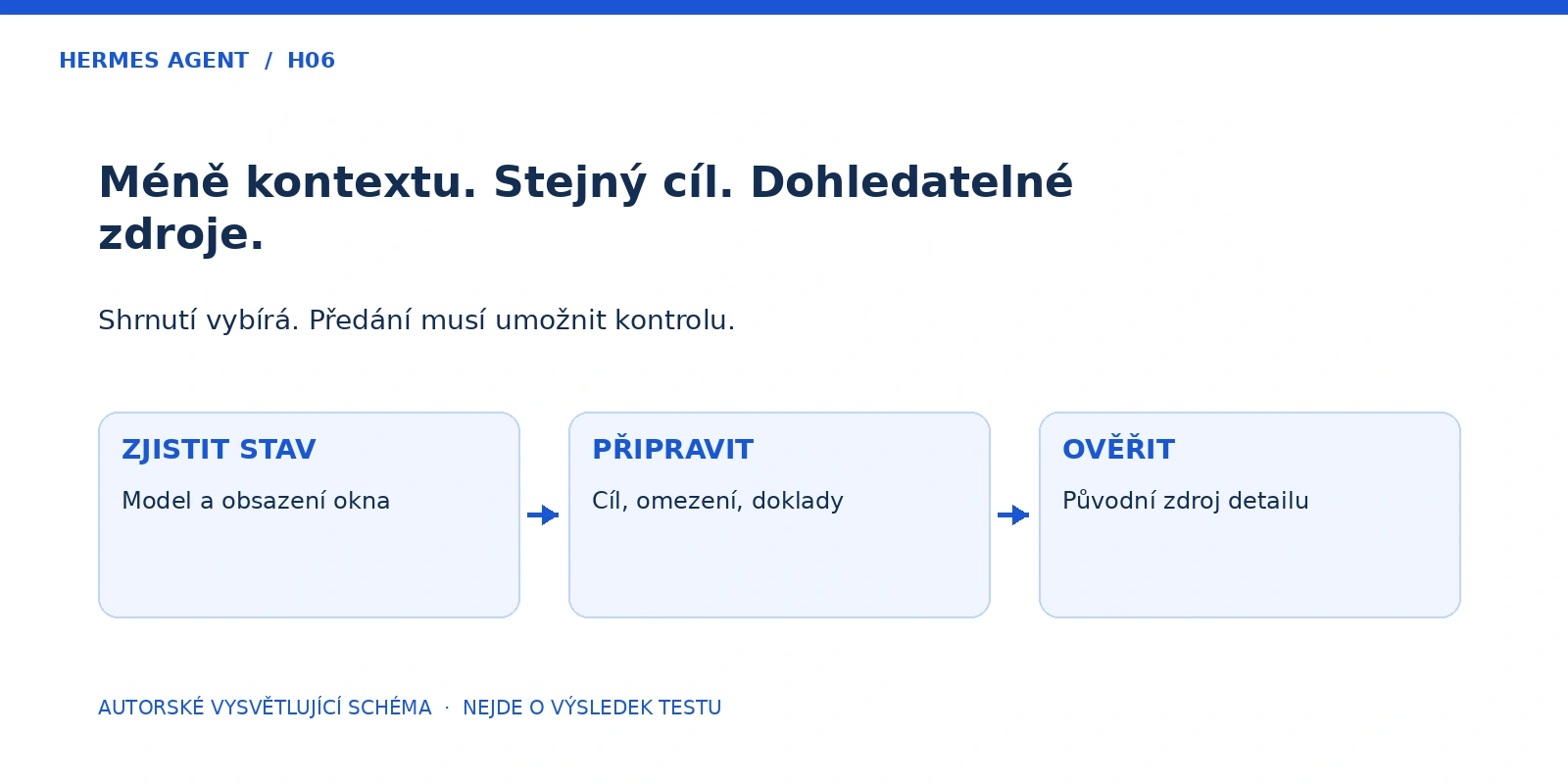

A file may be saved and an older conversation may still exist, yet the model may not have either in front of it when it answers next. Context is the input currently available, not an inventory of everything Hermes has ever recorded. For a long task, simply “adding memory” is therefore not enough. You need to recognize what fills the current window, what a summary has shortened and which sources the agent should reopen.
This research-led procedure is based on official documentation checked on November 19, 2026. The latest GitHub release at verification was v0.23.2, dated November 16, 2026. The continuously updated docs may not match every older installation or every CLI, Desktop and gateway interface exactly. The guide assumes Hermes is already running; it does not install it on Linux, macOS or Windows, and contains no newly measured compression test.
What the model can see now and what merely exists somewhere
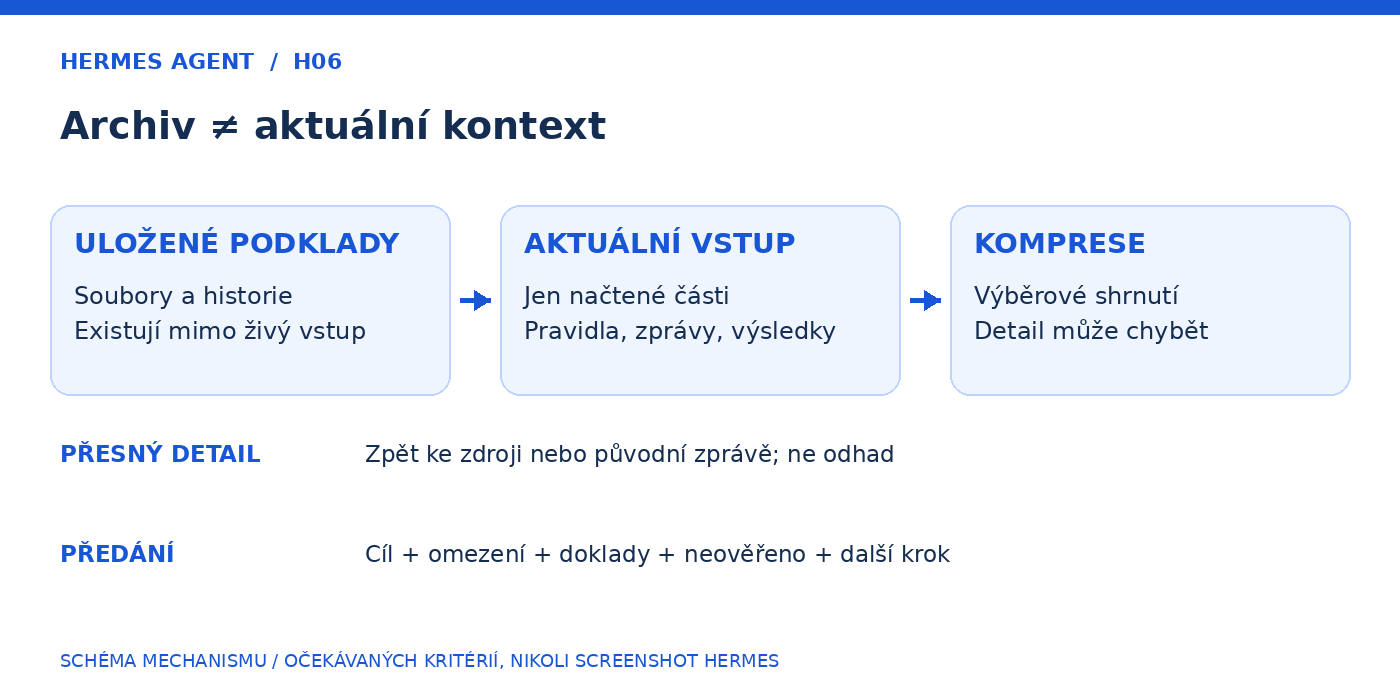
Context includes instructions, definitions of available tools, loaded skills, injected memory notes, messages and tool results. When the agent opens a long log, disk space is not its only cost: the portion inserted also takes up space in the current input. Conversely, a document’s name in a handoff message does not mean the model has read its full contents. The same distinction applies to a skill listed in the catalog and the full procedure loaded only on demand.
Further reading




For practical work, I recommend distinguishing “saved,” “opened” and “verified.” The first means the material exists. The second means the necessary portion has entered the context. The third means it can substantiate a specific conclusion. Skipping between these states can, for example, lead an agent to declare a check complete because it saw the report’s name but not its verdict.
First check the model, provider and actual window
According to the current troubleshooting guide, /model without an argument shows the model in use; /status helps check the model, provider and profile. That matters more than remembering the last settings change. An already-open chat may not adopt the model selected for new conversations. The /usage and /context commands then help inspect usage and context composition. Check their availability and output format in the interface you use.
Do not simply compare a model’s advertised number with the window configured for a specific connection. The provider, endpoint and local runtime may have different effective limits. For example, the documentation explicitly warns about the difference between the maximum reported by Ollama and the configured num_ctx. Increasing only the declaration in Hermes does not establish that the server will accept a larger request. First verify the model actually used and its provider’s configuration; only then consider correcting detection.
Automatic compression does not have one universal trigger point for every model either. Current documentation distinguishes the configured ratio, exceptions and a lower bound for smaller windows, as well as provider-managed modes. For ordinary diagnostics, you do not need to borrow someone else’s percentages. Watch your own output and the specific compression event. A lower token count after summarization does not by itself establish that every important condition was preserved.
AGENTS.md belongs to the project; SOUL.md to the assistant’s identity
Put project rules in a context file that Hermes actually loads in your working directory. The current overview gives a priority order such as .hermes.md → AGENTS.override.md → AGENTS.md → CLAUDE.md → .cursorrules; do not assume all alternatives are automatically merged. If a personal override exists alongside AGENTS.md, it may be loaded instead. Verify the active source before editing rules you merely assume are in use.
For AGENTS.md in a Git project, the documentation describes a chain from the repository root to the working directory, followed by discovery of subdirectory rules when working with files. Outside a Git repository, startup does not traverse arbitrary parent directories. By contrast, SOUL.md is a global personality and tone file in the active HERMES_HOME, not a project file sought in the current folder.
Project rules might specify the location of approved material, the meaning of test statuses and a ban on publication without approval. A changing list of just-completed checks does not belong in personality settings. It belongs with the task. Short, clearly scoped rules are also less likely to drown out a specific assignment than an extensive file mixing communication style, architecture and a daily work diary.
When to compress, search history or start again
The /compress command performs manual compression. The default built-in compressor uses selective summarization: it reduces live context at the cost of detail, rather than creating a lossless archive of the entire conversation. With the default compression.in_place: true, the documentation describes preserving the session identifier and soft-archiving original turns so they can be retrieved. The older rotating mode and some provider modes behave differently. A command name alone therefore cannot guarantee the same recovery procedure across all installations.
The /compress focus <topic> command narrows what the summary focuses on; it is not a request to preserve everything. Compression can help when you are still pursuing one goal and extensive intermediate results are getting in the way. When moving to a different task, a new session with a handoff is clearer. And if only one exact detail is missing, reopening the source or using session_search is often better than changing your entire working mode.
| Symptom | First check | Next step |
|---|---|---|
| An exact earlier agreement is missing | Does the original message exist? | Find it and read the surrounding context |
| A long chat is losing continuity | Model and window usage | Prepare a checkpoint, then compress |
| A different task is starting | What needs to carry over? | New session with a verifiable handoff |
| A project rule is missing | Which file was loaded? | Verify the path and priority; do not guess |
A handoff should show evidence, not just say “done”
Before discarding a long context, prepare a small handoff document. State the goal, permitted and prohibited operations, sources, steps actually performed and open questions. For each result, link to a specific file or record and its version. If a report is merely planned, write “not performed.” Give the new chat a way to verify the state, not an obligation to trust your summary.
The following is an original template, not actual Hermes output. Fill empty fields only with substantiated information. Add the working root to relative paths; vysledek.txt alone may not point to the same document in a new session.
Goal:
Permitted scope and prohibitions:
Working root:
Approved decision and its source:
Material (exact path or URL, date/version):
Actually completed (output + evidence):
Unverified / not performed:
One next step:
Stop condition and who should receive the decision:
Before compression, verify that three specific things can be retrieved: the latest scope approval, the latest actual check result and the next unperformed step. After compression or a move to a new session, ask the agent to substantiate them again from the listed material. These are expected checking criteria for your use, not a claim that such an experiment was performed here.
If the new chat finds a different file version, do not smooth over the conflict with a polished summary. Pause only the decision that depends on the disputed version and resolve the material’s provenance. For more on working with retrieved documents, continue with the explanation of RAG and the limitations of retrieved sources. A handoff is practically useful precisely when it makes such a conflict discoverable.
Sources and what this guide does not verify
Model and context diagnostics: Troubleshooting Agent Quality. Rule loading: Context Files. Compression modes and limitations: Context Compression and Caching. Version: release v0.23.2. Checked on November 19, 2026. The documentation includes multiple modes and historical descriptions; this text promises no specific compression ratio, price or lossless recall of every detail.
Need to hand work between AI tasks without assumptions?
I can help you separate project rules, source material and intermediate results so that the next step does not start with guesswork. Tell me where context gets lost in your handoffs. Let us start with a specific procedure, not another tool purchase.